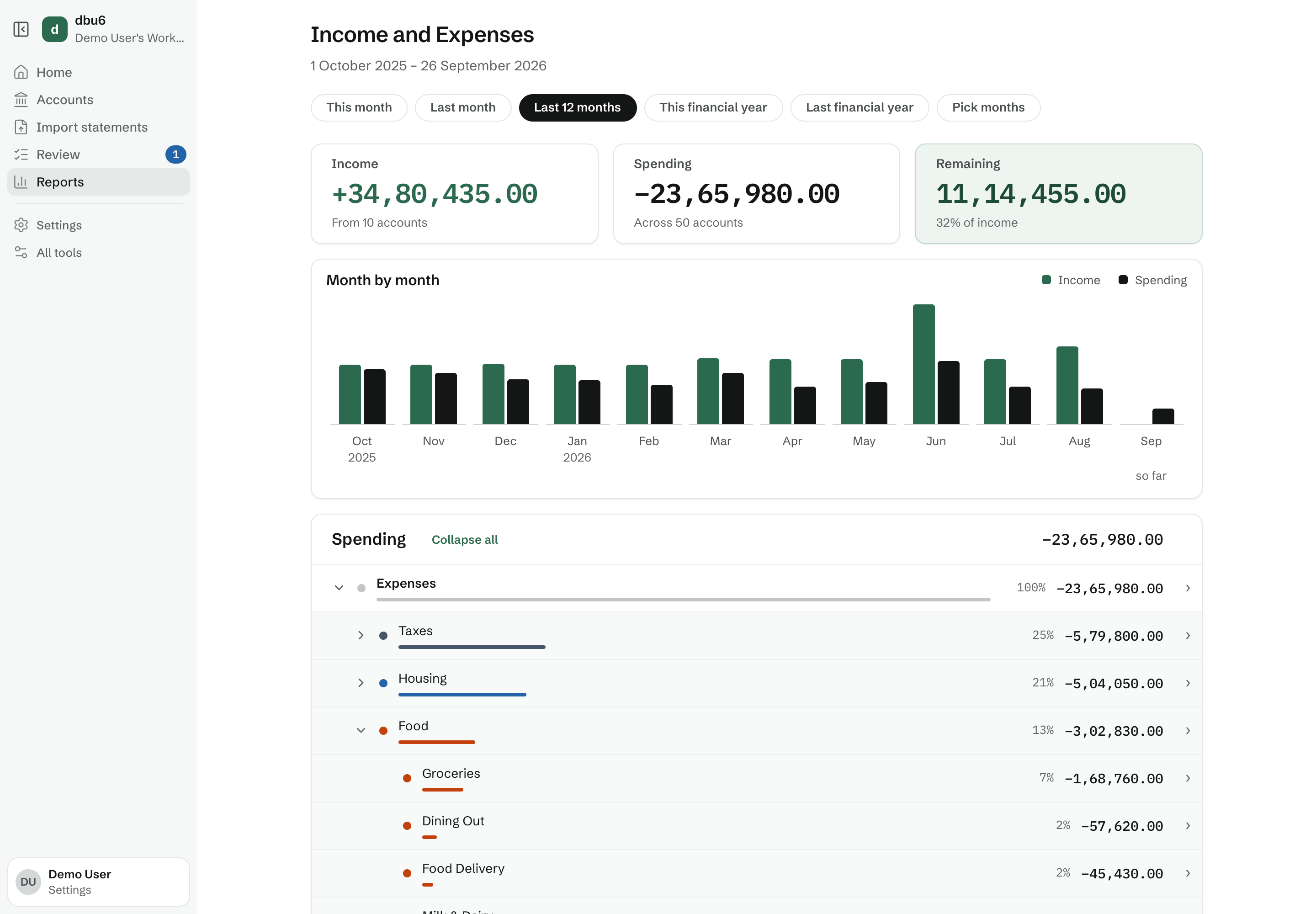
The Income and Expenses report
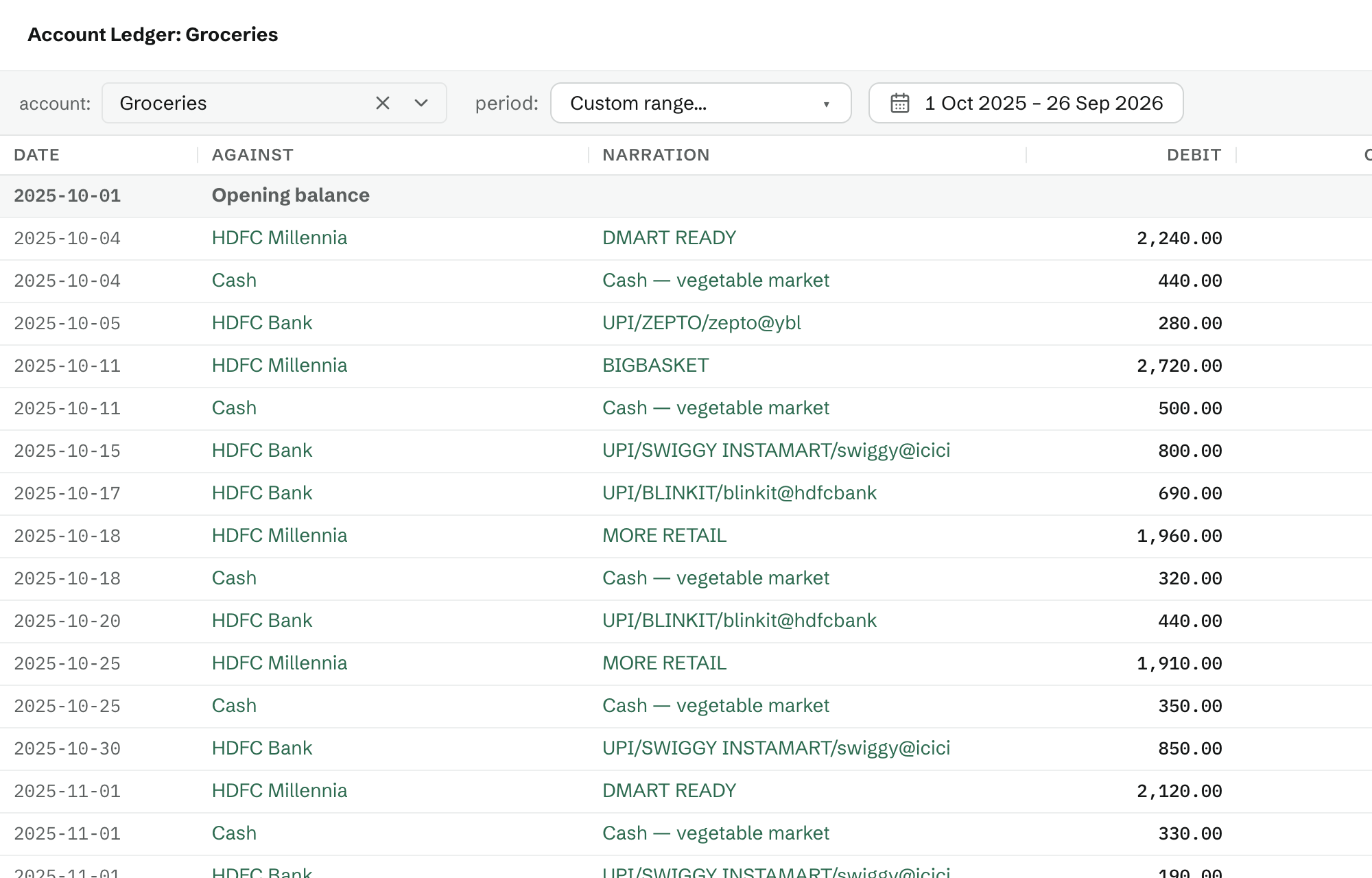
This report shows how much money came in each month, how much went out, and how much of it you kept. You can click into any month or account to see how your spending there has changed over time - for example, whether Dining Out has been creeping up since last summer. From there you can open its largest transactions, and the full ledger behind them.
Net Worth Over Time
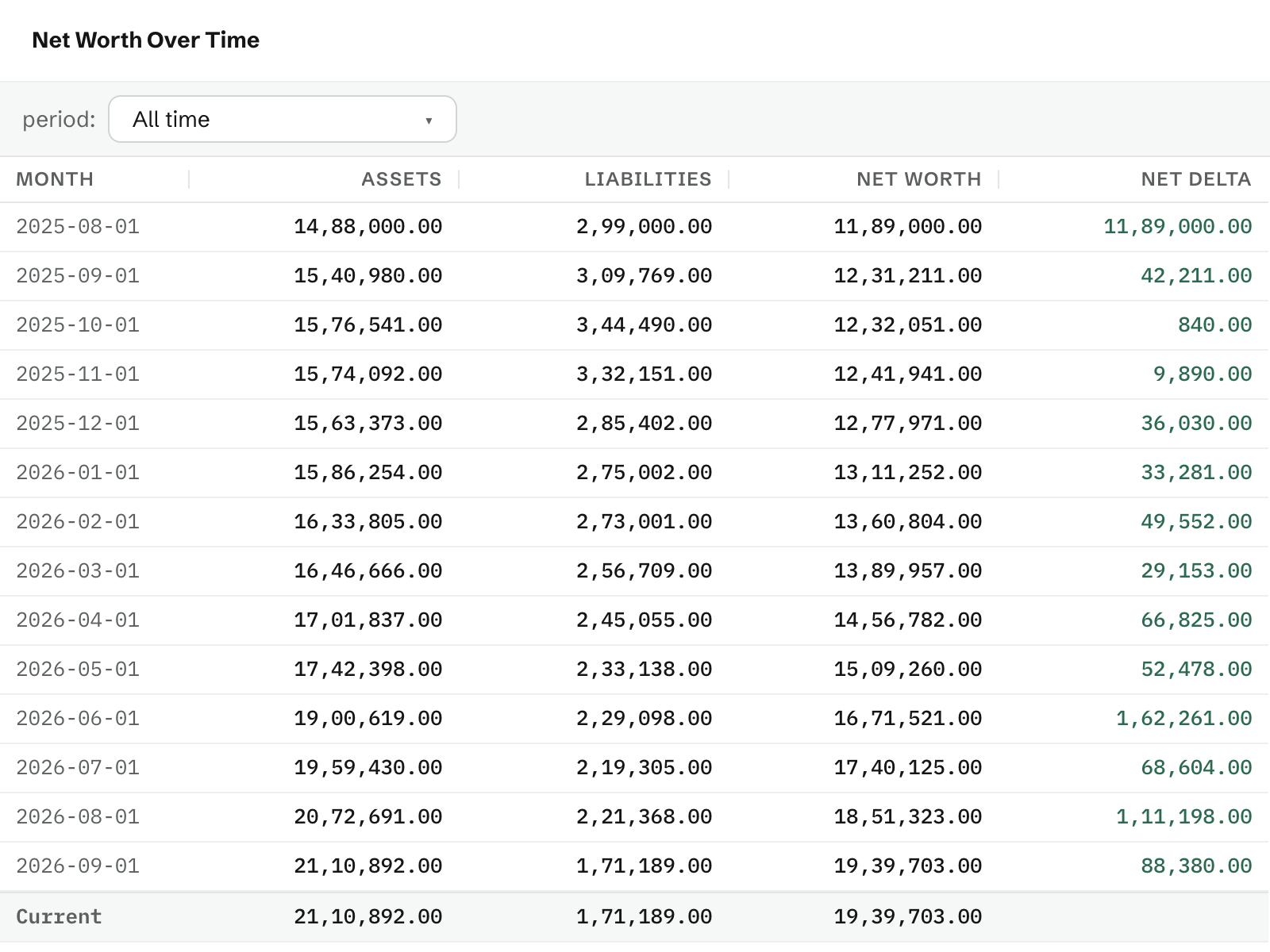
This report shows what you own and what you owe at the start of each month, and the difference between the two - your net worth. The last column shows how much it changed from the month before, so you can see at a glance whether you're moving forward, and which months set you back.
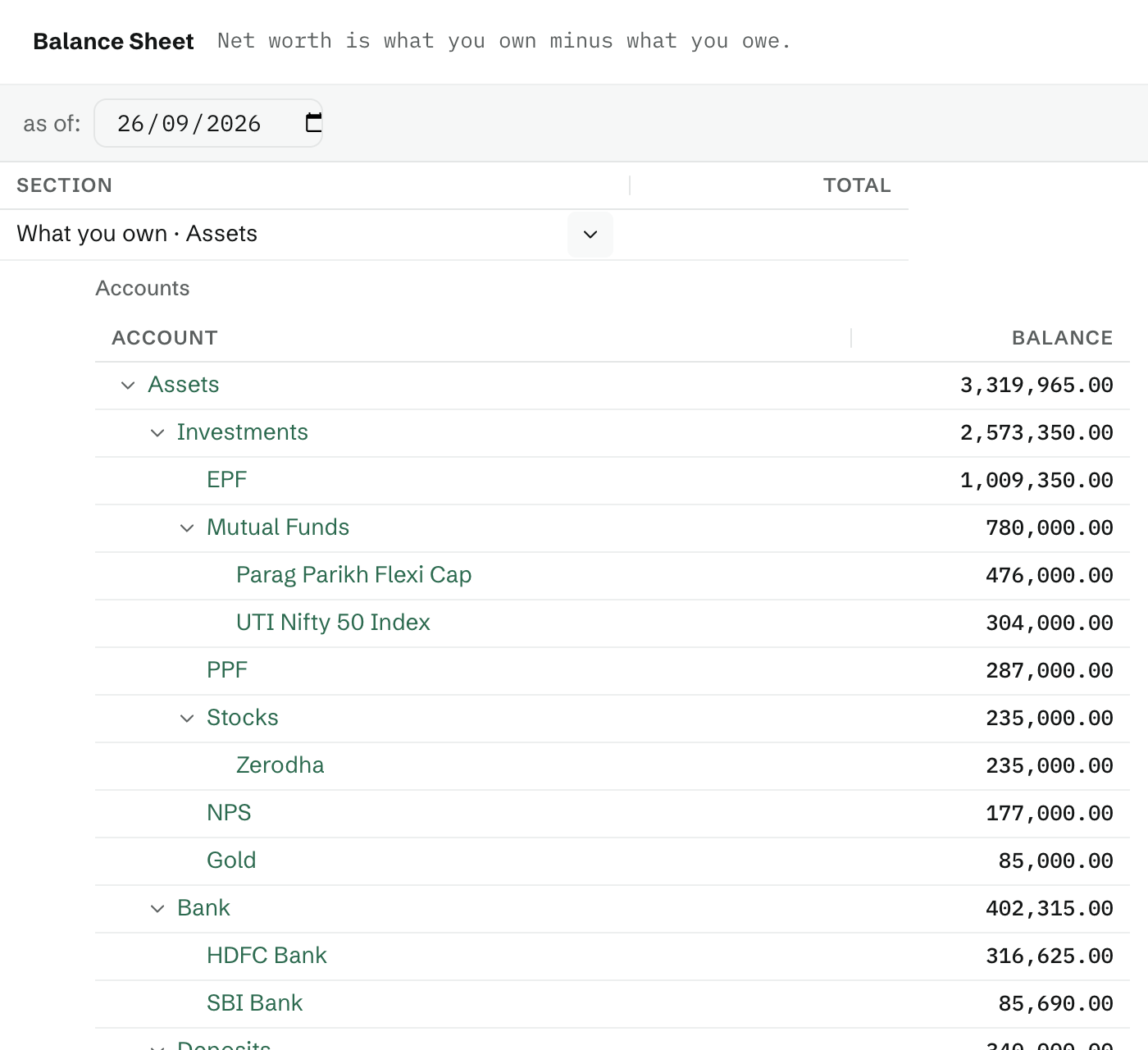
The Balance Sheet shows the accounts behind those totals: your bank balances, investments like mutual funds, PF and gold, and what you owe on cards and loans. For these numbers to be right from the start, add your opening balances when you set up your books.
Setting up
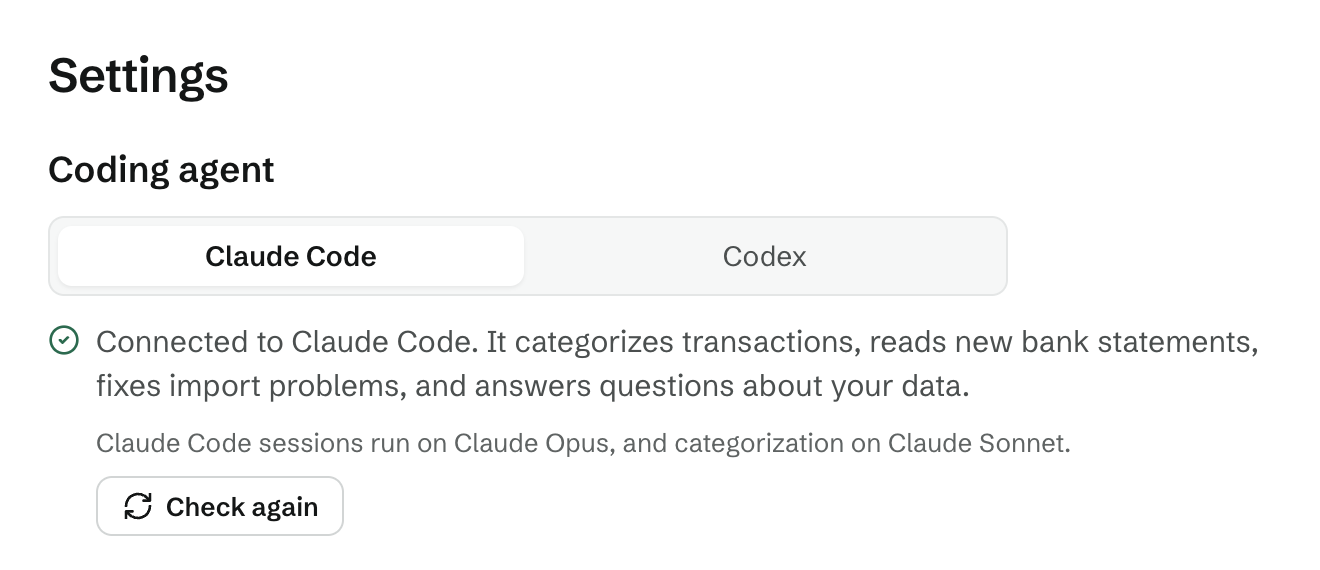
dbu6 needs Node.js 22.18 or newer, uv, poppler's pdftotext to read statements, and a coding agent: Claude Code, Codex or Pi. git is optional.
Install the tools
Add the Sapporta skill to your coding agent
dbu6 works through your coding agent. It categorizes what your rules don't, proposes a chart of accounts, and teaches dbu6 statement layouts it can't read yet, and it needs the Sapporta skill to do any of this. Install it once, for the agents on this machine:
Make a folder for your books, and serve it
Sign up, and give your agent access
Open localhost:2345 and sign up. Then, in the same folder, give the agent access to your books and check it:
The token for your account goes in .env.agent; never commit it. With more than one account, add --user you@example.com.
Set up your books
Home shows the next thing to do, one at a time:
- Pick a chart of accounts. Start from dbu6's starter chart, or describe your money in a sentence and your coding agent proposes accounts that fit.
- Add a bank or card. Name it and the account its statements belong to.
- Import a recent statement for it. This is where your books start: dbu6 takes the account's starting balance from it.
- Add your opening balances (optional). What your cash, investments and loans held on that day, so the balance sheet is right from the start.
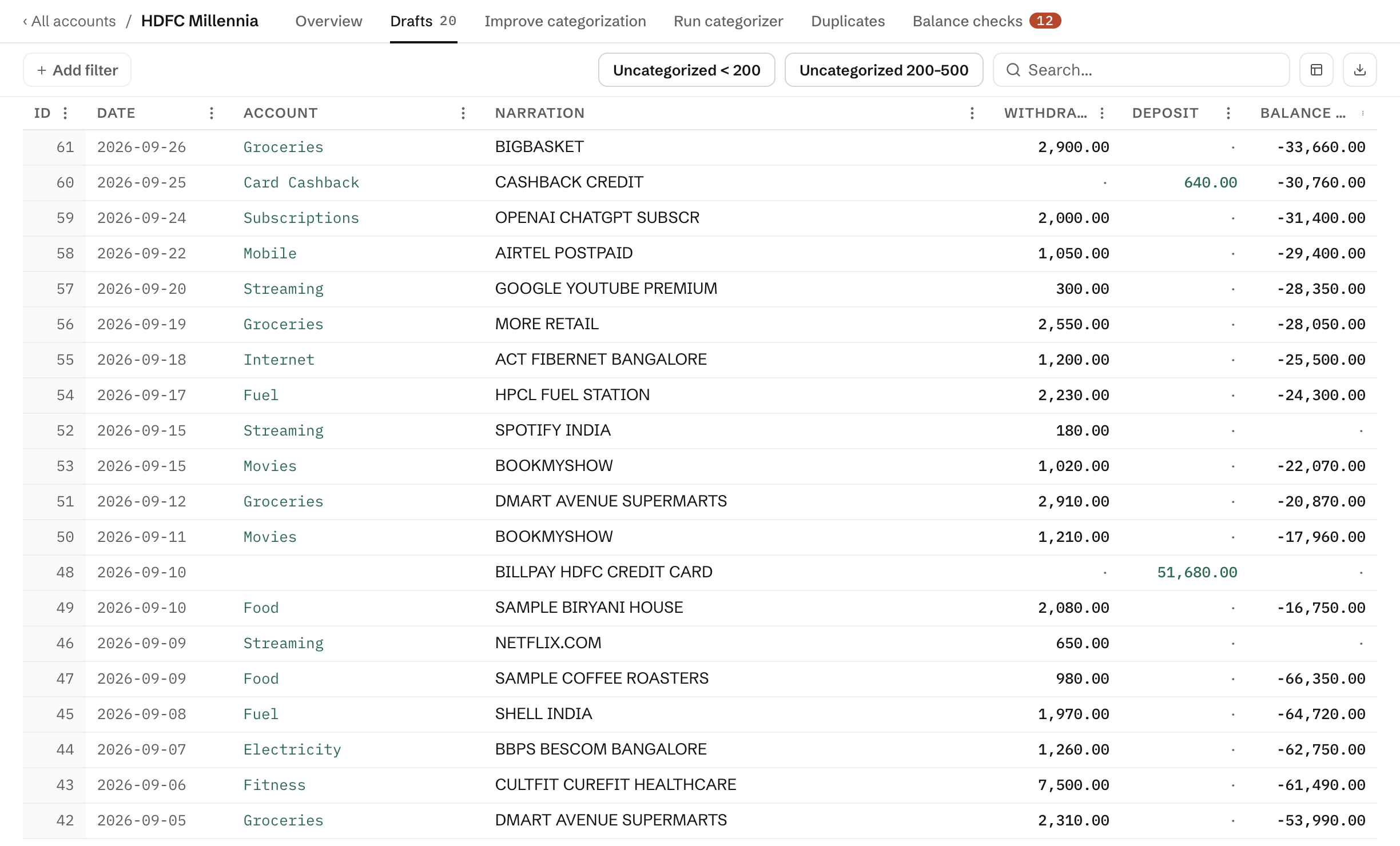
- Review, and add it to your books. Fix any categories, check for duplicates and balances, then add it. Nothing reaches your books before this.
If something is missing, npx dbu6 check says what. Getting started has each step in full.
Or try it with sample data
With dbu6 dev running, load a year of sample finances, with the current month left for you to review:
Sign in as demo@example.com with demo-password.
Usage
Your books are data/: one SQLite database. dbu6 keeps no other copy and makes no backup — stop it and copy that folder. Your rules and prompts sit beside it in user-config/, which belongs in git.
Double-entry books
dbu6 keeps your books in double entry. Each transaction is recorded as two equal sides: the amount leaves one account and arrives in another. A grocery bill paid by card, for example, adds to your Groceries expense and to what you owe on the card.
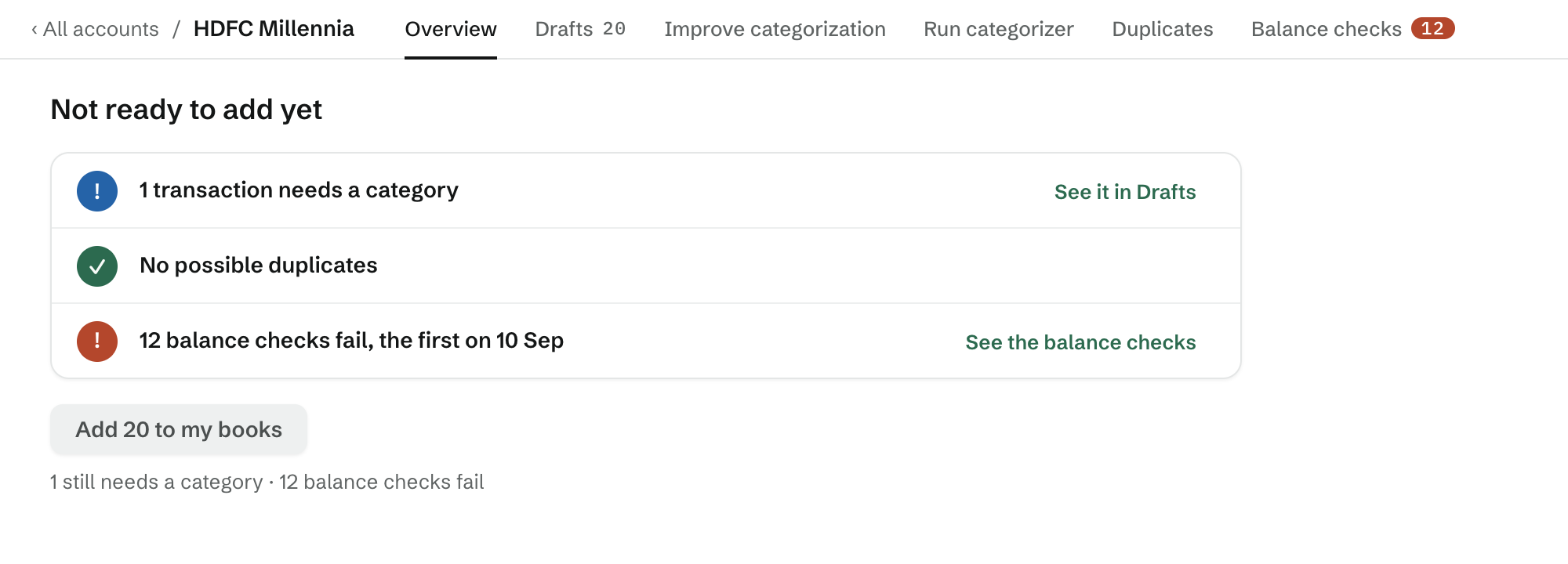
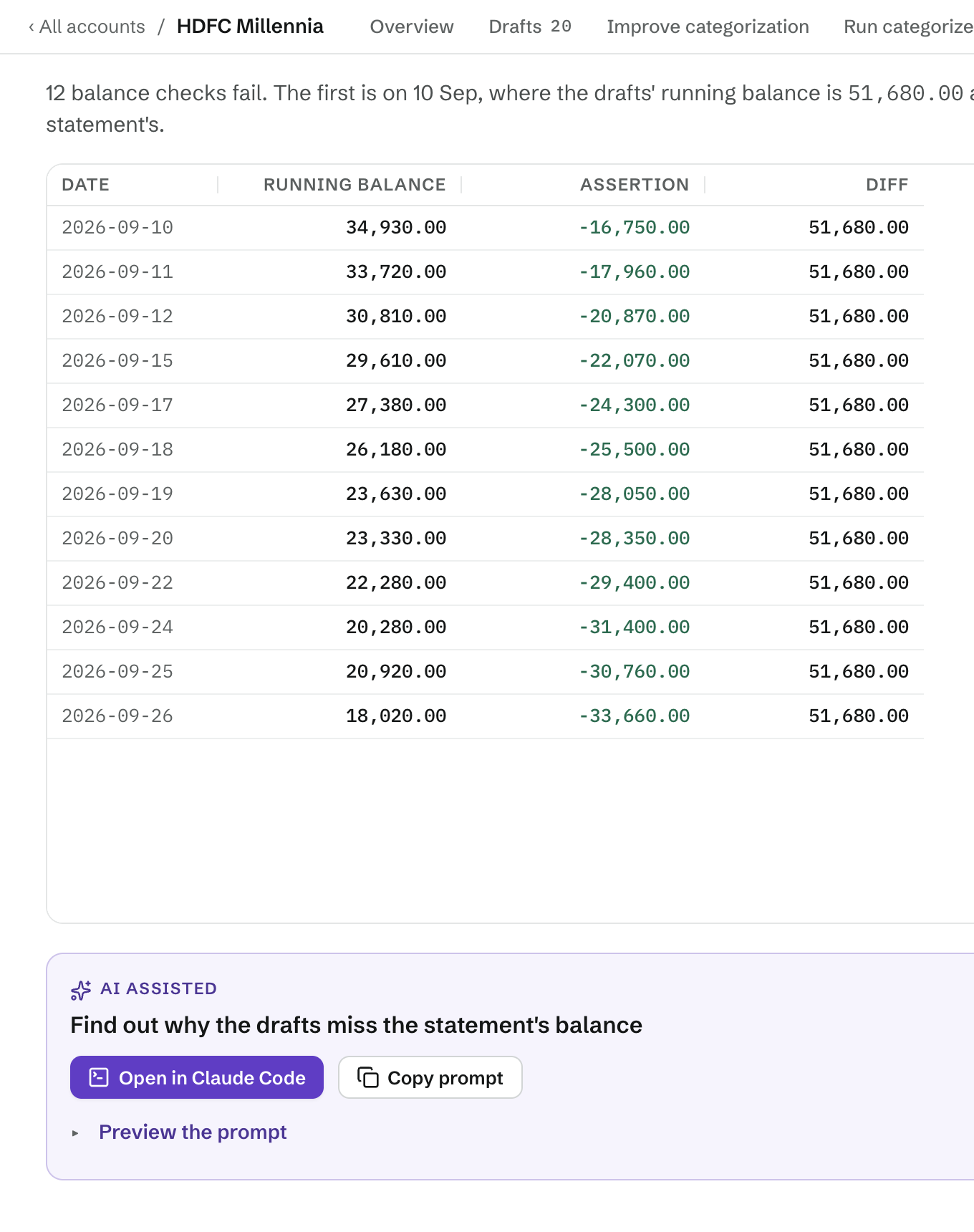
A bank statement prints its balance as of each date. Before a statement is added to your books, dbu6 compares those balances with the running balance in your books. If they match, you can add it. If they don't, the statement stays in review, with the difference shown for each date, until the missing or duplicated transaction is found.
The balance sheet, the trial balance and net worth over time are all read from these same books.
More screenshots
Documentation
- Getting started — install, the first run, the setup steps, everyday commands, backups.
- Your books — the folder, its accounts and journal entries, and what is yours to change.
- Importing statements — formats, layouts dbu6 cannot read yet, transactions not in a statement, balance checks.
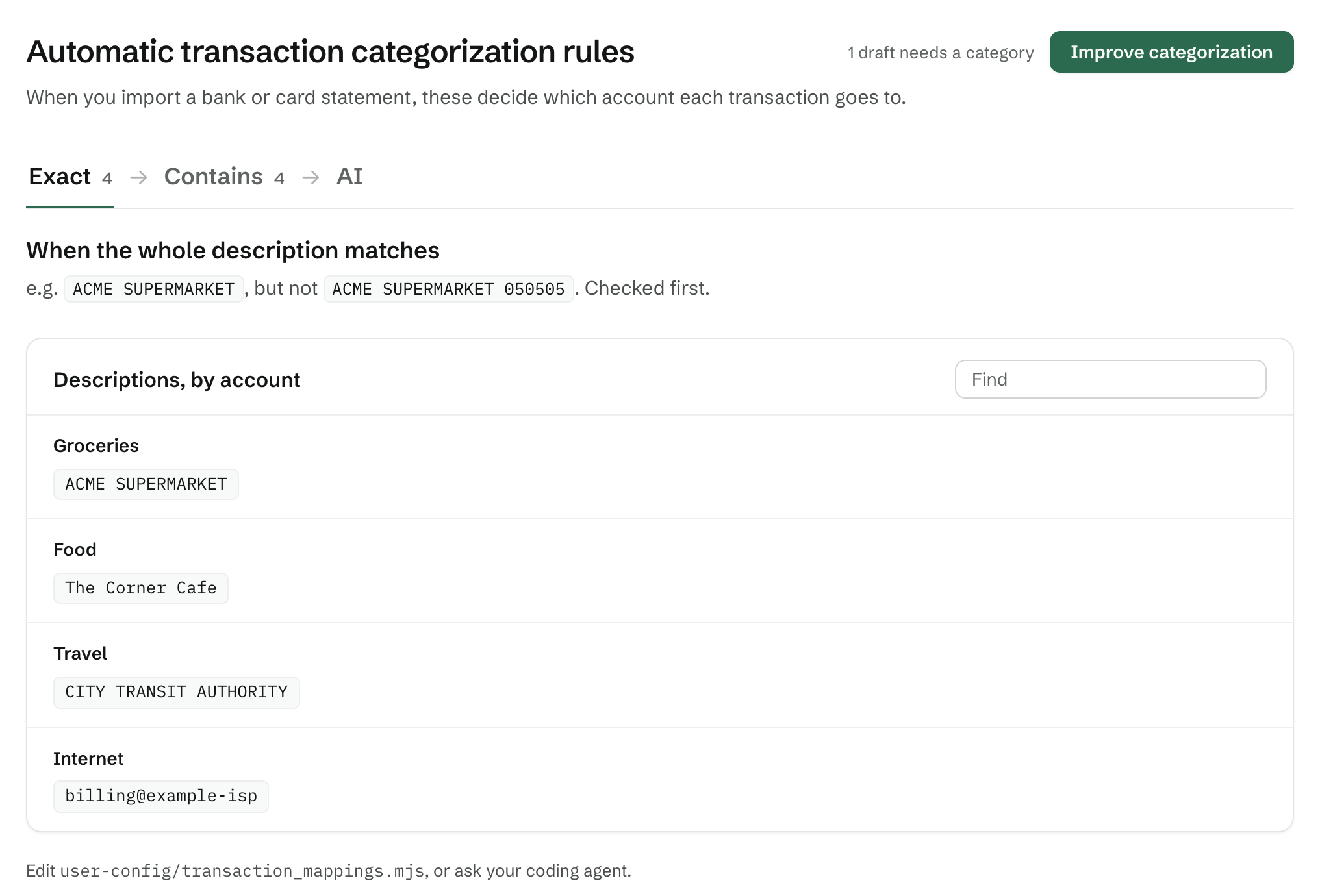
- Categorization — your rules, and the coding agent that handles the rest.
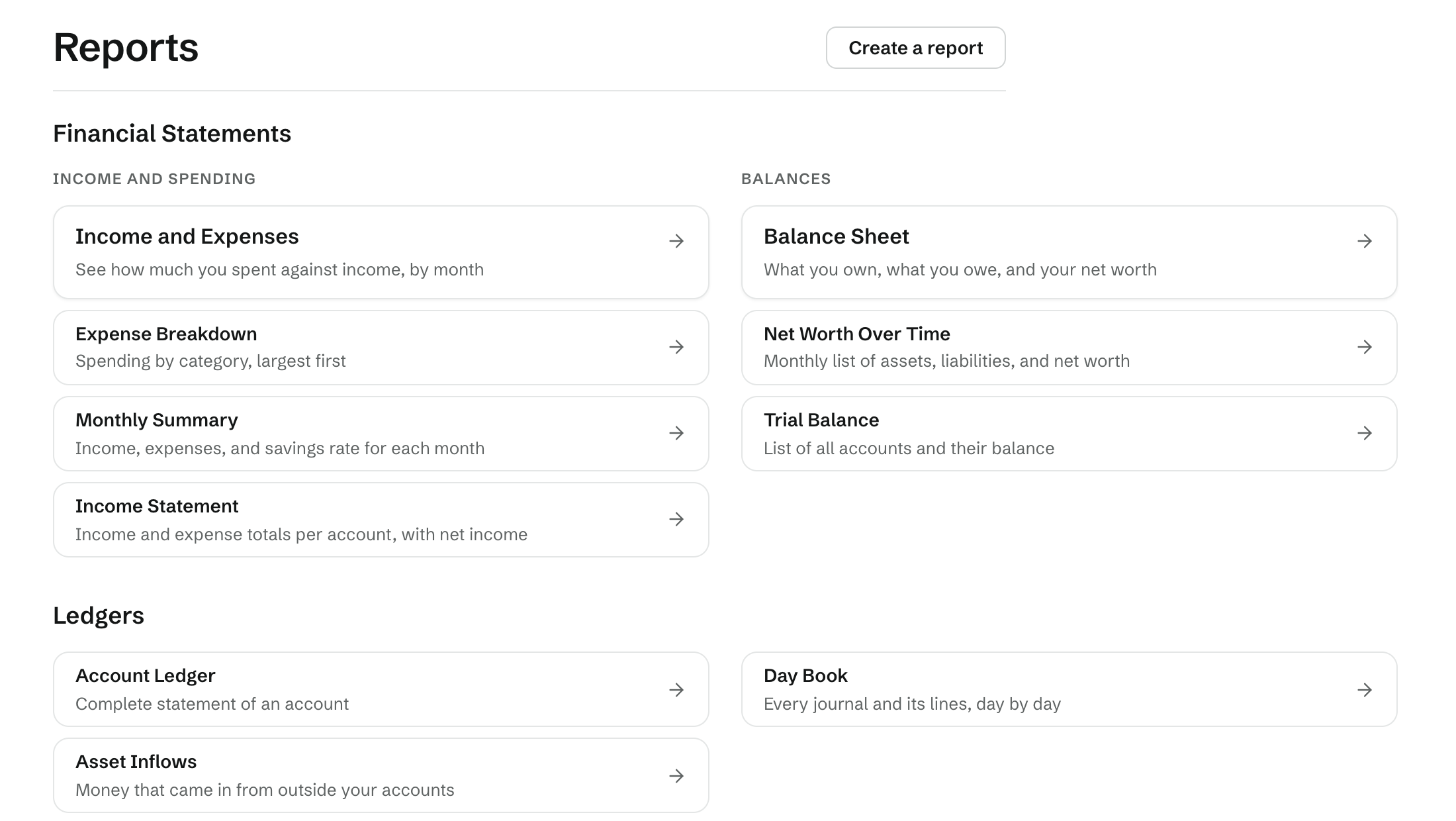
- Reports — the reports that ship, reports of your own, and the hledger export.
- DBU6-BOOKS.md — the guide a coding agent reads, and the commands it runs.
- Deployment — running your books on a server.
- Development — working on dbu6 itself.